 Flutter Intl Editor
Flutter Localization made easy for VS Code
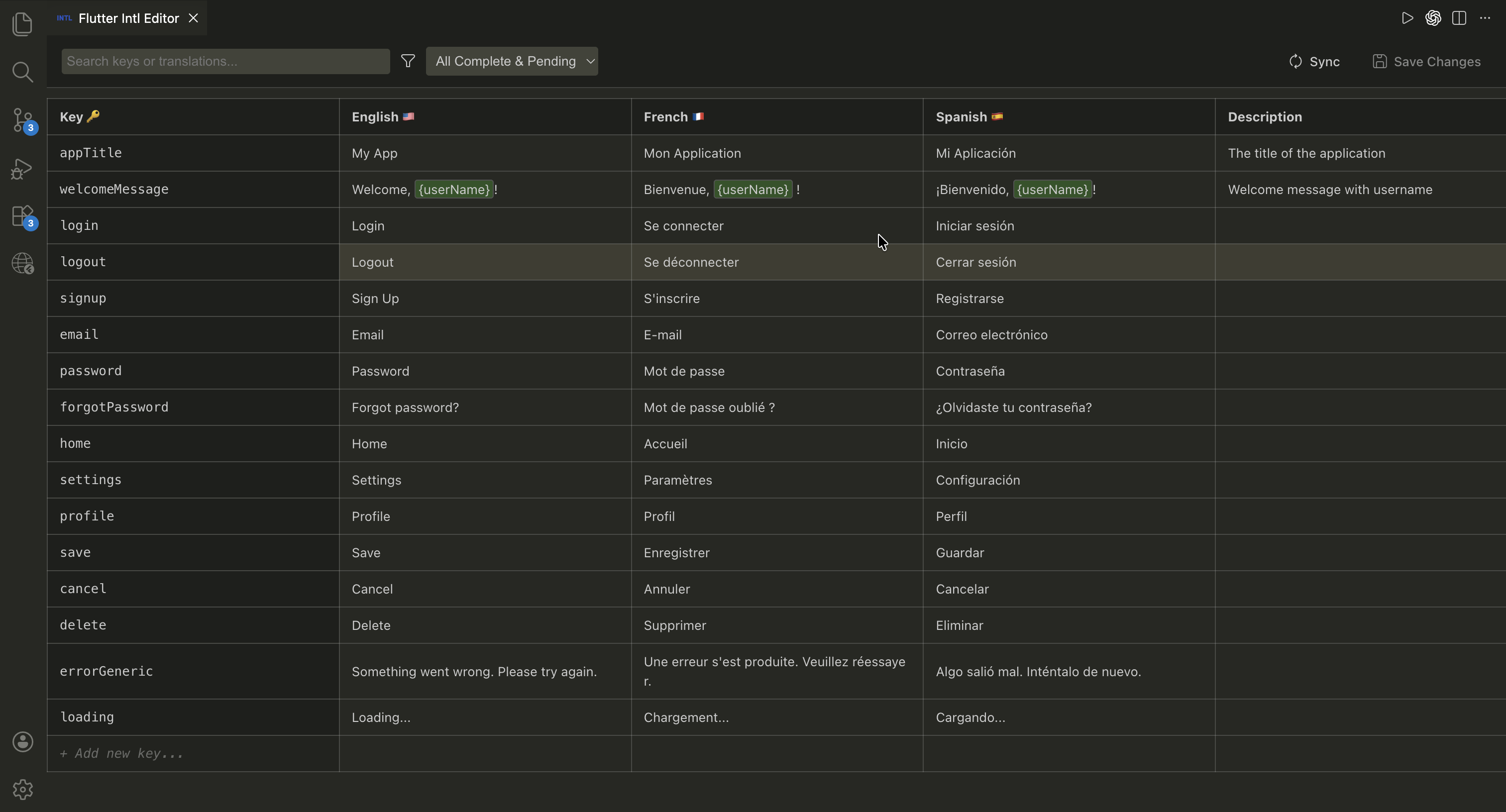
Flutter Intl Editor is a free VS Code extension that lets you edit .arb files visually in a clean table view — the fastest way to manage Flutter localizations without leaving your editor.
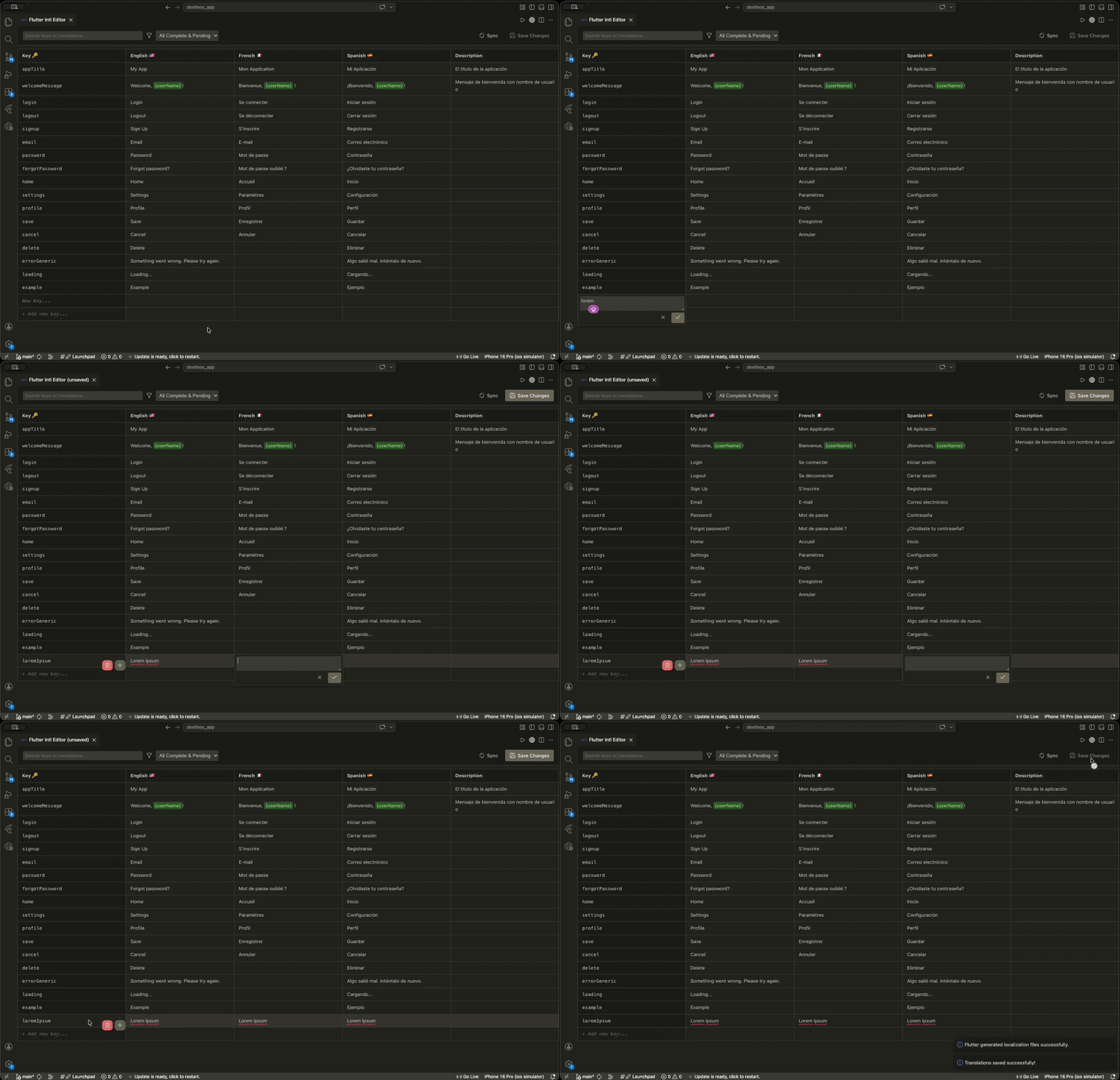
Everything You Need to Manage Flutter Localization
All inside your preferred code editor
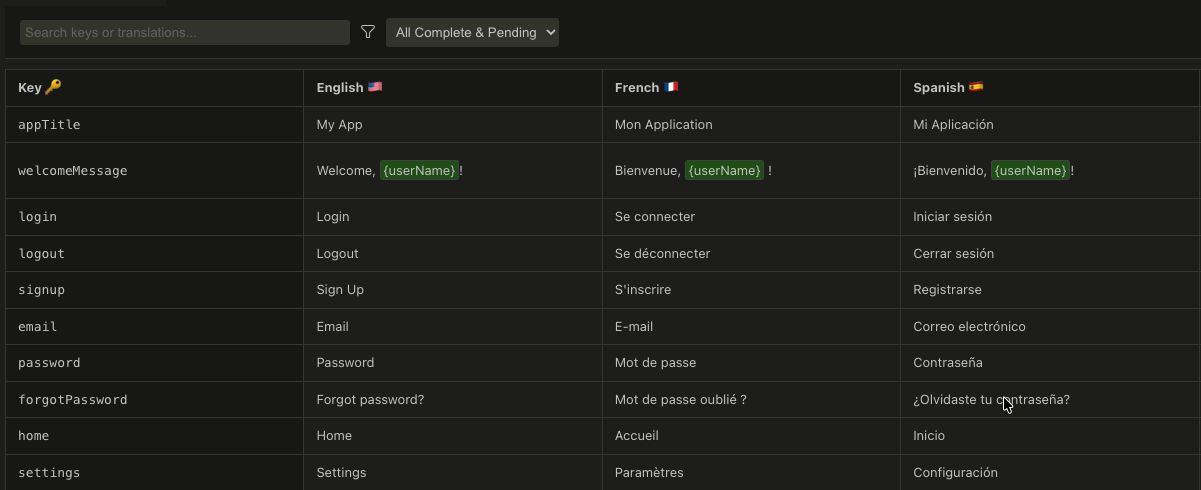
Visual ARB File Editor
Open any Flutter .arb file and edit every translation key in a clean, side-by-side table — no more manually hunting through raw JSON.
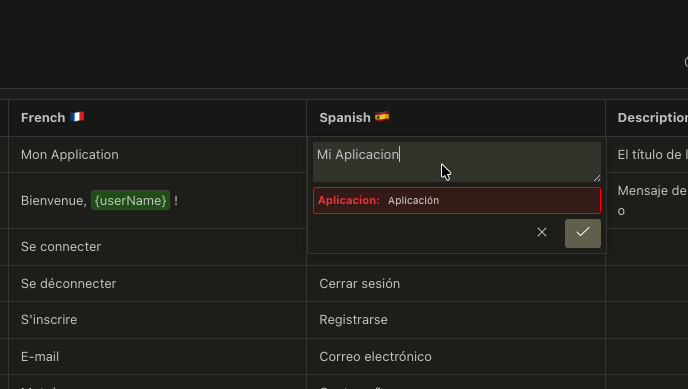
Built-in Grammar Check
Catch typos before they ship. Built-in grammar checking keeps your localized strings professional across every language.
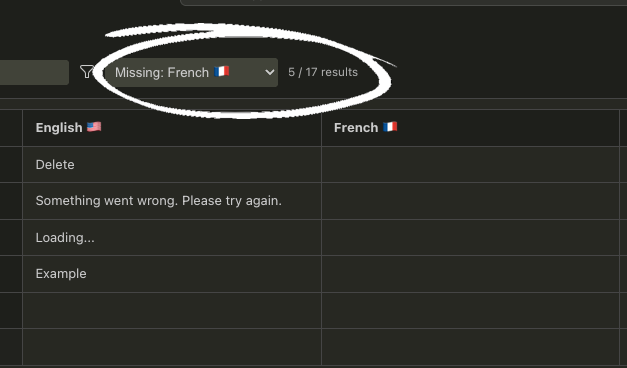
Missing Translations Filter
Instantly highlight incomplete Flutter localizations. Never ship an app with untranslated strings again.
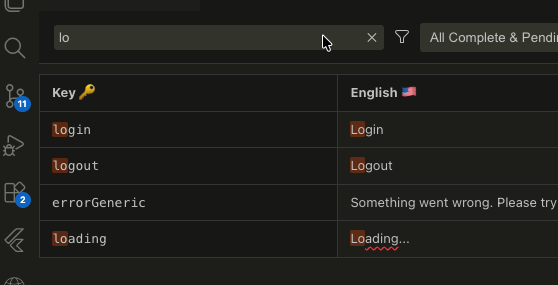
Fast Key & Text Search
Search across all translation keys and values instantly — works even with massive .arb files.
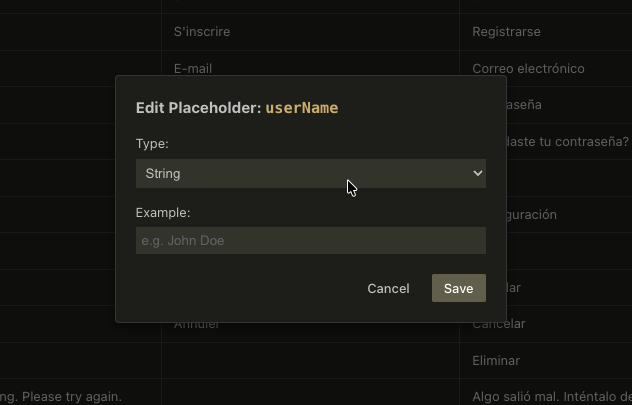
Placeholders & Plurals
Full support for Flutter intl message templates, placeholders, and plural forms — exactly as the flutter_localizations package expects.
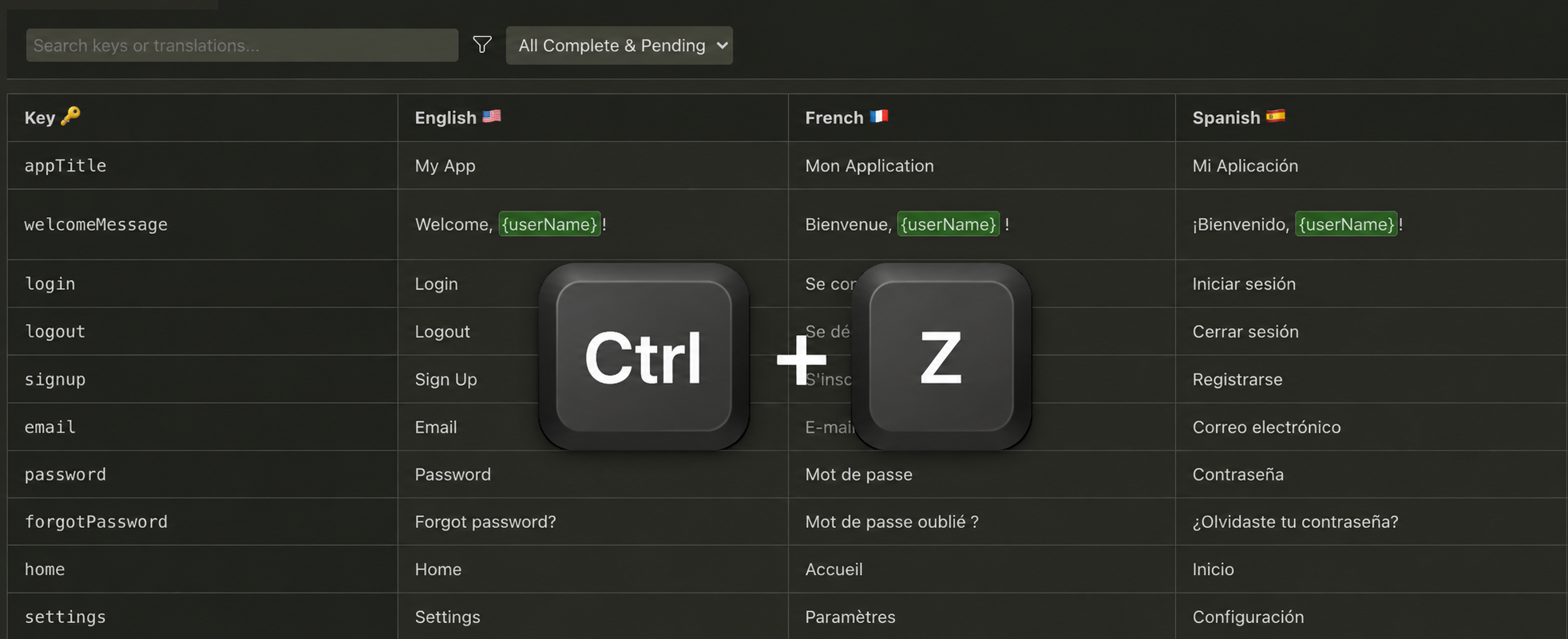
Undo / Redo History
Made a mistake? Ctrl+Z has you covered. Full undo/redo history so you can edit .arb files with confidence.
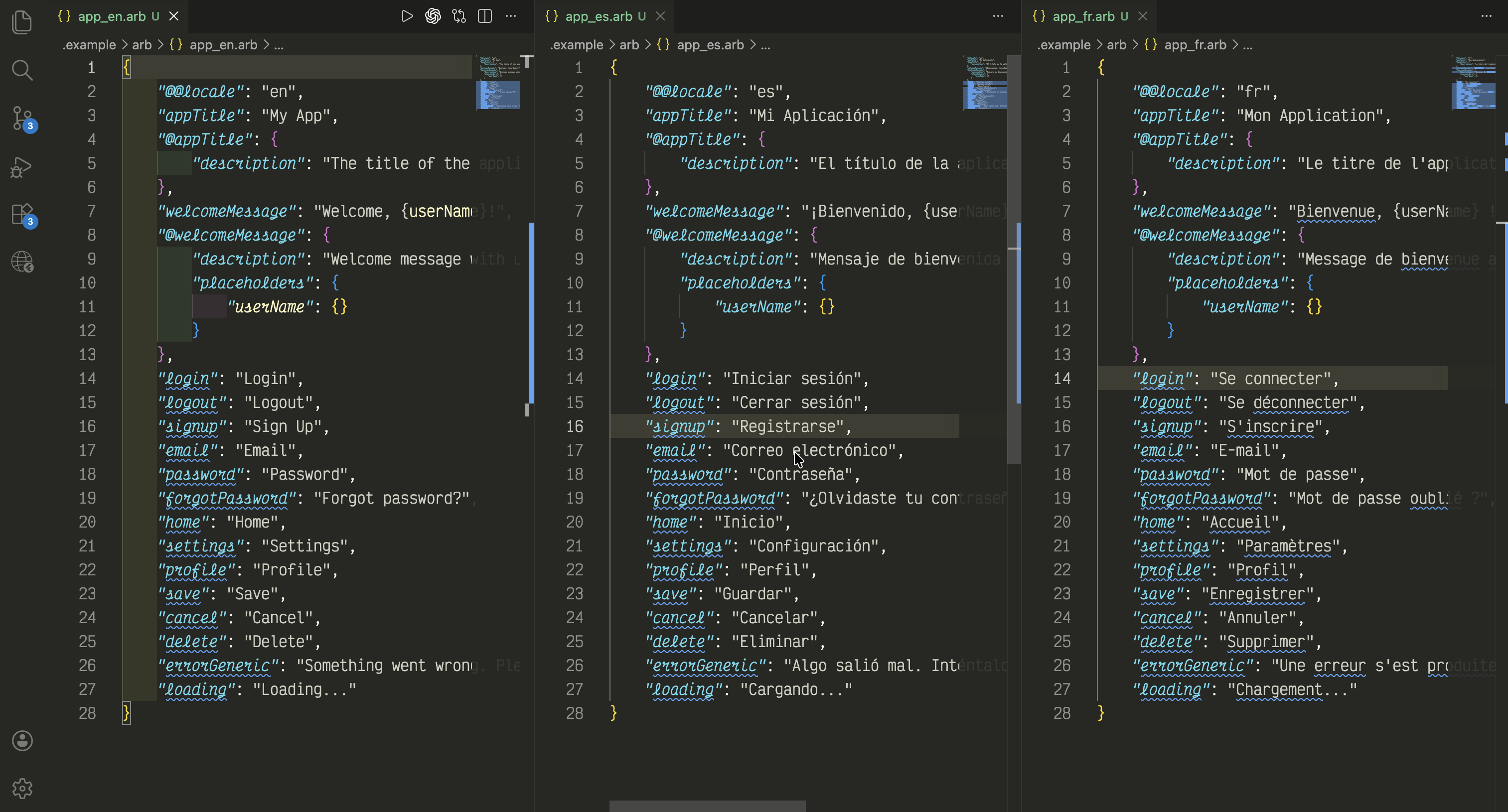
Raw JSON vs. Flutter Intl Editor – See the Difference
Why edit .arb files by hand anymore?